


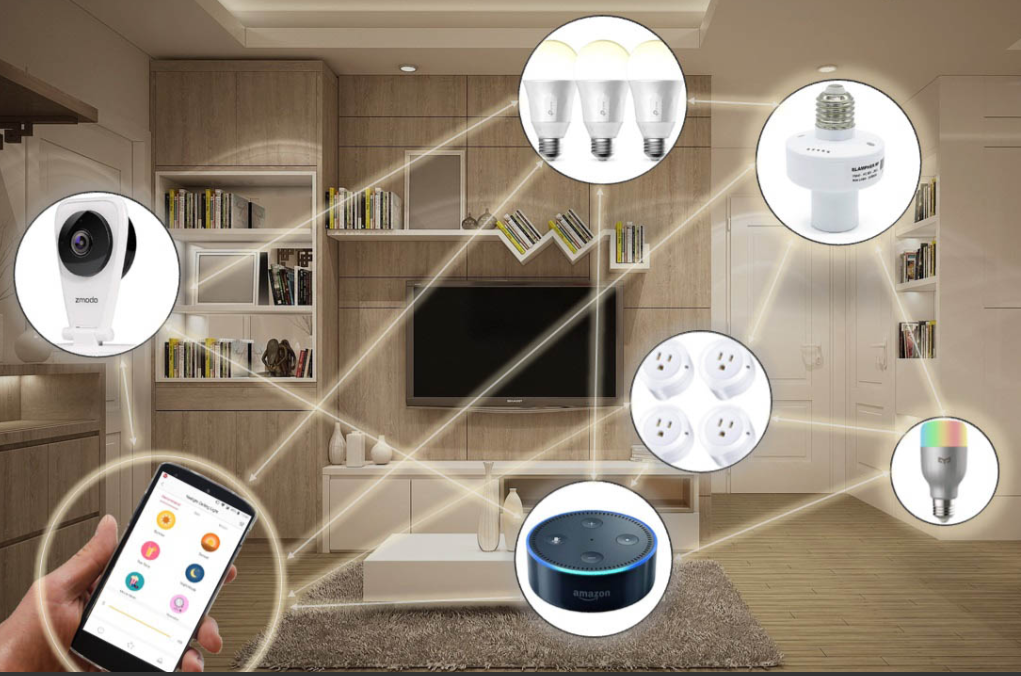
I used to think smart homes were basically a rich-people thing.. Two years of slowly upgrading my own flat later, I can tell you building a budget smart home is completely doable.. You don’t need some huge house or crazy salary for your home to actually respond to you.
Honestly, it just comes down to being smart about what you buy, not how much you spend. If you’re into saving money, this guide is for you.Get the right stuff, set it up the right way, and pretty soon you’re controlling lights, thermostat, even your coffee maker without getting off the couch.
Get a Hub First for Your Budget Smart Home
For me, it was pure laziness, if I’m being real. I hated having to physically get up just to turn off a light switch. Then I installed one smart bulb and that was it. I was sold. These days my lights dim on their own around 9pm, the thermostat sorts itself out before I even walk through the door, and if I’m traveling somewhere I can just pull up the front door camera on my phone and check what’s going on.
Best part honestly? My electric bill’s gone down about 15% since I started automating the lighting and heating side of things. According to energy efficiency guides on Energy.gov, smart temperature control and lighting management significantly reduce household energy waste. So it’s not just a convenience thing, it actually pays you back eventually.
Get a Hub First, But Don’t Overthink It
If you’re setting up a smart home on a budget, you’ll need a hub first basically the brain that connects all your tech together Good news is you probably already own one, or can grab one cheap.

Amazon Echo Dot and Google Nest Mini both run $30–50 normally, but they’re on sale constantly. I actually got mine for $25 during Prime Day and it’s been running my entire smart home setup for over a year now without a hiccup. For that price you get a little speaker that’ll turn your lights on, lock your doors, mess with the thermostat basically anything you’d want to do hands-free.
My real advice though? Don’t overthink which brand to buy. The mistake people make is trying to run Alexa, Google Home, and Apple Home Kit all at the same time trust me, I learned that one the hard way. Just commit to one ecosystem and leave it at that. Saves you a ton of unnecessary headaches down the line.
Smart Lighting: The Easiest Win
Out of everything in a budget smart home, this is probably the upgrade that gives you the most bang for your buck. A single bulb costs somewhere around $10 to $15, and Wyze, TP-Link Kasa, even Amazon’s own basic line, all do the job well without costing much.
Just start wherever you spend most of your time bedroom, living room, whatever applies to you. I’ve got my lights turning on slowly in the mornings now instead of jumping straight to full brightness like some alarm going off in your face, and they dim on their own too whenever I sit down for a movie. Mine switches to this warm orange tone after 8pm and honestly,
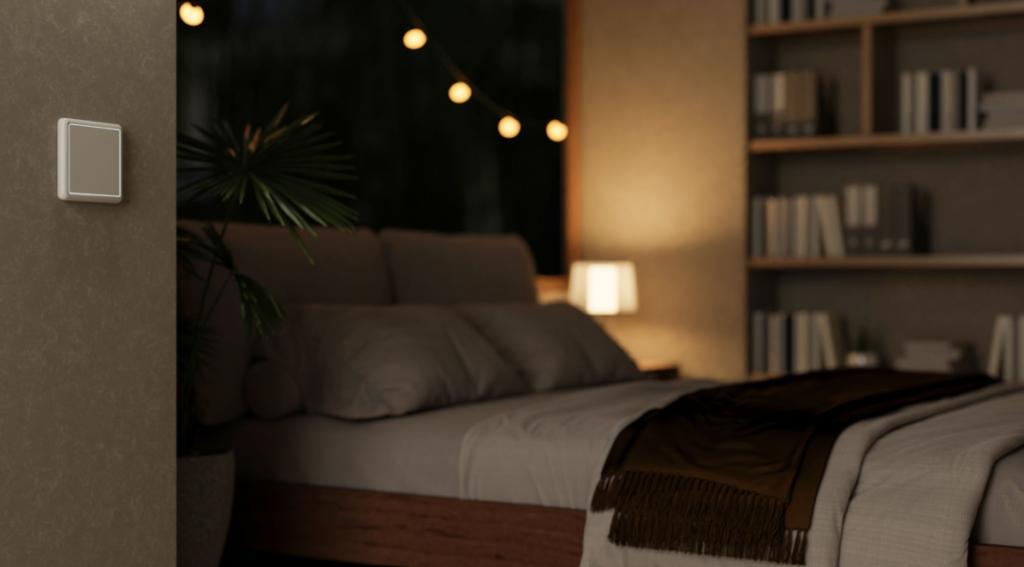
small as it sounds, it changes how the whole place feels at night.
Here’s a budget hack too: you don’t have to replace every bulb in your house. Grab a few smart plugs instead they’re about $8 each and plug your existing lamps into them. Instant smart lighting, zero bulbs replaced.
Smart Plugs: The Unsung Heroes
Speaking of sockets, Smart plugs are honestly one of the most underrated things for your budget smart home. Under $10 each, and you can basically turn any old appliance into a “smart” one. Coffee machine?
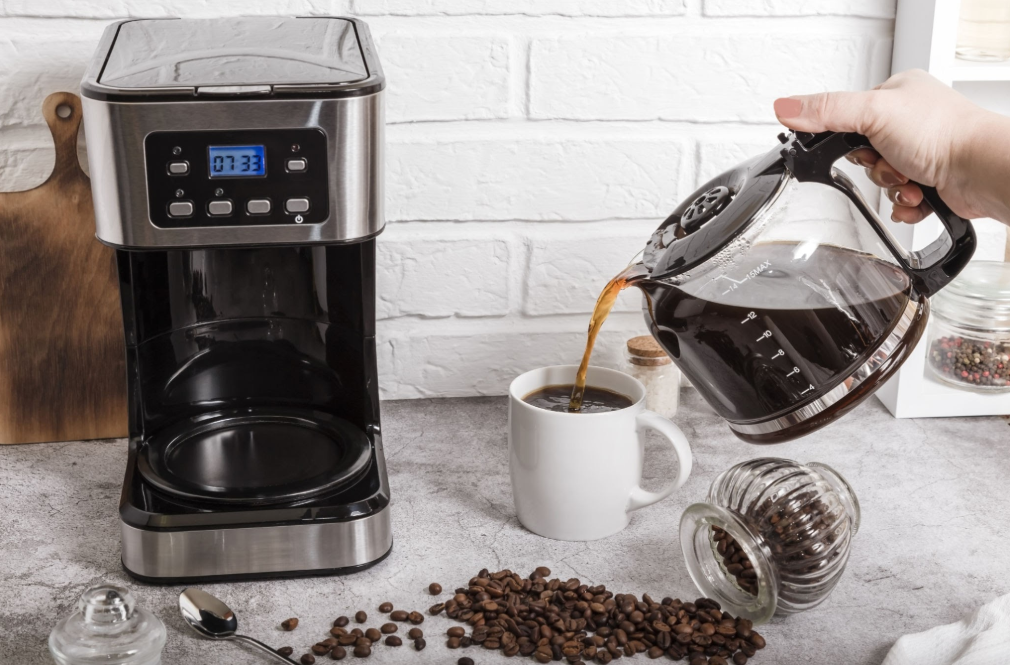
Smart now. Fan? Smart. That beat-up heater you’ve had since college? Yeah, that too.
Mine’s hooked up to my coffee machine actually, it’s a Kasa Smart Plug and it brews coffee every weekday at 6:45am on its own. Walking into the kitchen and smelling fresh coffee already going, no joke, it’s such a small thing but it genuinely makes mornings better.
Smart Thermostats Aren’t Just for Rich People
Smart thermostats used to be genuinely expensive, but a budget smart home setup doesn’t need the top model. Nest’s Learning Thermostat is still sitting around $200, which isn’t nothing. But here’s the thing: you don’t actually need their top model to get most of what makes these things useful.
Amazon’s Smart Thermostat is about $80, and Wyze’s version is even less, roughly $70. Both cover the basics fine: control from your phone, learns your routine over time, cuts down on energy bills. I put in the Wyze one myself, took maybe 20 minutes with a YouTube video open on my phone, and it’s already paid for itself through lower heating costs.
Security without the Monthly Fees
No need to hand ADT $50 every month just to feel safe at home. Wyze, Blink, Eufy all of them make decent cameras with good video quality, motion detection, night vision, no subscription required.
I’ve got a Wyze Cam v3 pointed at my front door, pings me the moment a package shows up. Two-way audio too, so if I’m not home I can just tell the delivery guy where to leave stuff. Cost me $35 total. What that peace of mind is worth? Can’t really put a number on it. If you want to take it further, something like the Blink Video Doorbell runs about $50 and lets you see and talk to whoever’s at the door right from your phone. Battery-powered version means zero wiring needed too.
Locks Are Smart Now Too, Don’t Skip This One
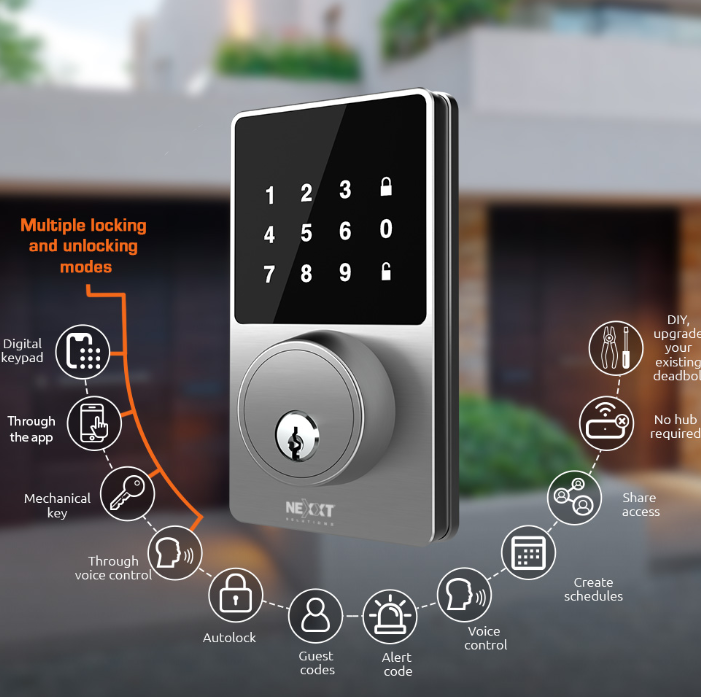
Not gonna lie, this one had me hesitant for a bit. Letting some app control whether my front door’s locked or not? Felt like a bad idea. What if it glitches out? What if I end up locked out worse than before? But then my roommate locked himself out for the third time that month and I just gave in and bought a cheap smart lock. Turned out to be one of the better calls I’ve made with this whole project.
Wyse Lock or the August Wi-Fi Smart Lock, either one’s a solid starting point. Unlock from your phone, set temporary codes for guests or whoever’s delivering something, and you can finally stop hiding a spare key under the mat.
My Honest Advice: Build Slowly
Honestly, the thing I keep seeing people mess up is trying to do everything at once. They’ll drop $500 in one afternoon and next thing you know there’s six boxes sitting there needing to be unpacked and set up, and it just gets to be way too much to deal with at once.
Pick one thing to start. Could be lighting, could be a speaker, or could just be a camera by the door. Doesn’t matter which live with it a week or two, notice what you actually end up using versus what just sits there doing nothing useful. Once that’s clear, move to the next piece. That’s really it. The whole point is making life simpler, not handing yourself a new project to babysit.
Took me close to two years to get where I am now, just adding things whenever I felt like it. All in, I’ve probably spent around $300. That’s less than a lot of people drop on one phone. And somehow my place still feels ahead of the curve compared to most places I’ve been in.
So What’s The Point?
Turning your regular house into a budget smart home without spending a fortune really isn’t that hard. smart one without spending a fortune really isn’t that hard you just gotta be a little patient with it. Doesn’t require top-of-the-line gear or ripping open your walls to rewire anything. Honestly, it’s just planning things out a bit, having decent Wi-Fi, and being okay with starting small instead of doing it all at once.
So go grab your hub, pick up a bulb or two, get that morning coffee automated. Give it some time and you’ll be sitting there wondering how you ever managed without any of this.
